


Mississauga, ON – 25 March , 2026 – Welcome to our March product updates! We are excited to introduce several new tools and hardware upgrades designed to automate your daily workflows and improve field clarity. From enhancing team safety with ZenCAM body cameras to optimizing dispatching with real-time location data, these updates focus on reducing manual tasks and providing deeper operational insights. Check out the latest enhancements below to see how we’re helping your team stay efficient and accountable.
Dive into the latest highlights below and discover how Zenduit is helping you stay ahead with smarter connectivity and effortless data management!
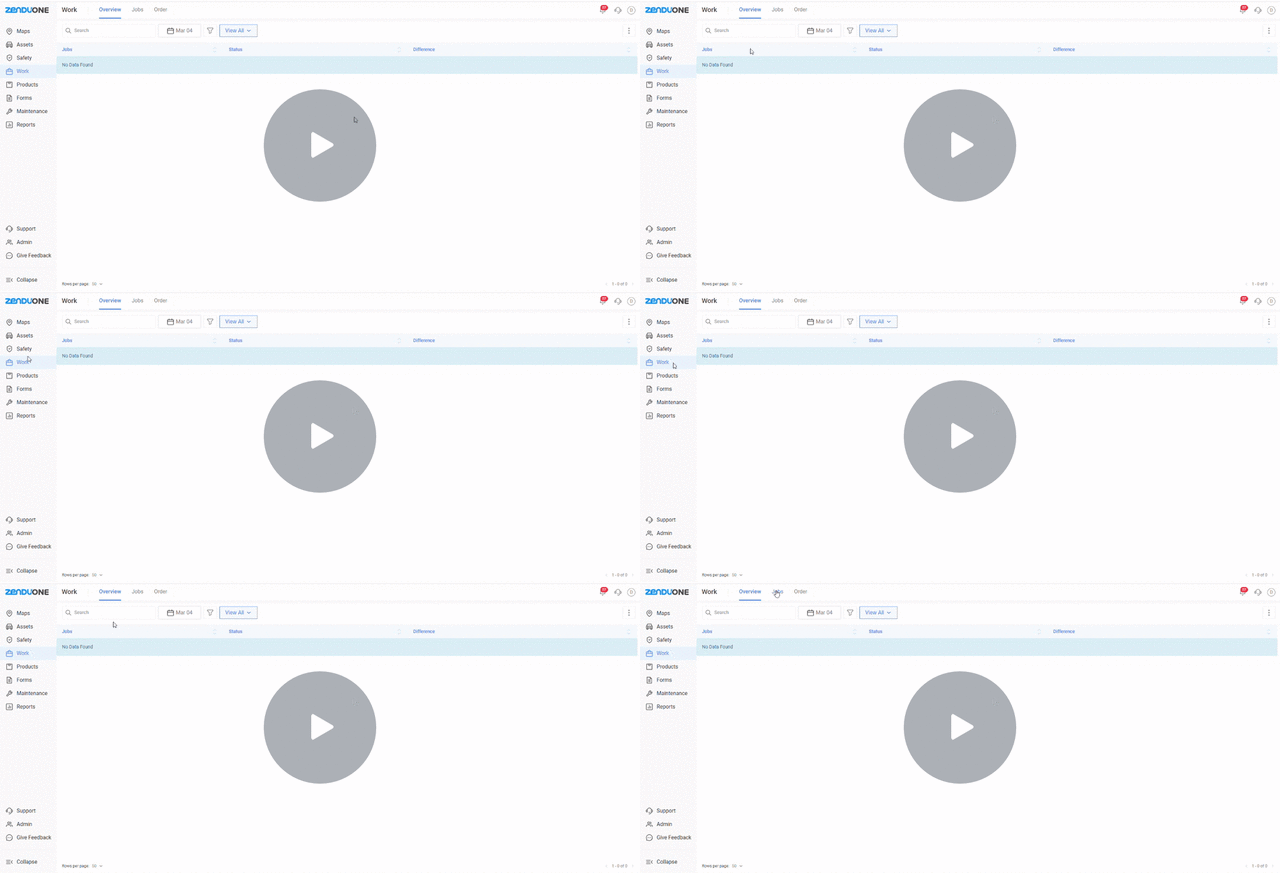
Schedule Repeating Jobs Every Month
We’ve added a Monthly Recurring Jobs feature so you can schedule tasks that repeat on a specific date each month. This includes better date labels (like 1st or 2nd), new filters to see jobs by month, and total flexibility to edit assignments whenever you need.
Key Updates
- Select specific dates for jobs to repeat every month during creation
- Use ordinal date formatting such as 1st, 2nd, and 11th for easier scheduling
- Access new month-based filters and recurring fields within Custom Views
- Edit recurring settings or reassign drivers without deleting the job series
Why It Matters
- Eliminates the risk of forgetting routine tasks by automating the recreation process
- Saves valuable time by removing the need for manual one-by-one job entry
- Allows managers to see a broader view of monthly commitments across all locations
Watch Demo →
New ZenCAM Body Camera has Officially Launched
The ZenCAM Body is a rugged wearable camera designed to protect your team. It provides clear video evidence for every interaction, helping to settle disputes and prove that work was completed correctly.
Key Updates
- Utilize a 12-hour runtime and IP67-rated chassis for all-weather reliability
- Capture every angle with voice activation and multi-body cam triggering
- Receive expert guidance from dispatch via integrated GPS and live streaming
- Document the full story with a 2-minute event pre-recording feature
Why It Matters
- Provides indisputable receipts that dismiss fraudulent claims and false accusations
- Boosts employee loyalty by providing a safety net during high-conflict interactions
- Verifies quality standards and property conditions with high-definition precision
Explore the new product on our website →
Better Tools for Assigning Drivers and Vehicles
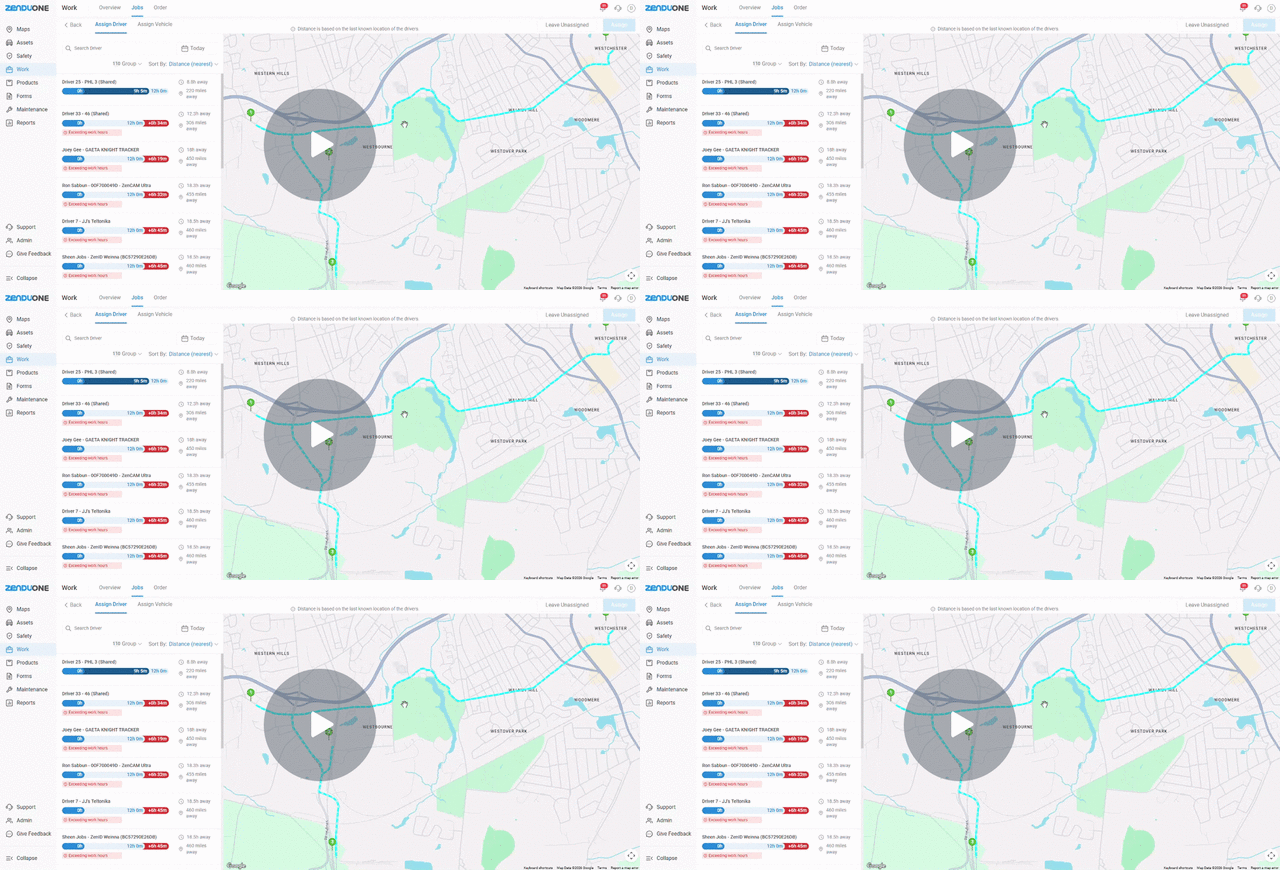
We’ve split the Assignment Screen into two clear tabs: one for Drivers and one for Vehicles. This makes it easier to see exactly where your drivers are on a map so you can assign the best person for the job.
Key Updates
- Navigate separate Assign Driver and Assign Vehicle workflows for better focus
- View driver locations on a map with calculated distance to the first job stop
- Identify ready drivers at a glance with real-time availability indicators
- See the specific relationship between the assigned driver and vehicle on job pages
Why It Matters
- Enables dispatchers to assign the closest available driver using real-time data
- Provides operational flexibility by allowing jobs to remain unassigned when needed
- Shifts dispatching from guesswork to logic-based assignments based on proximity
Watch Demo →
Upload and Edit Many Users at Once
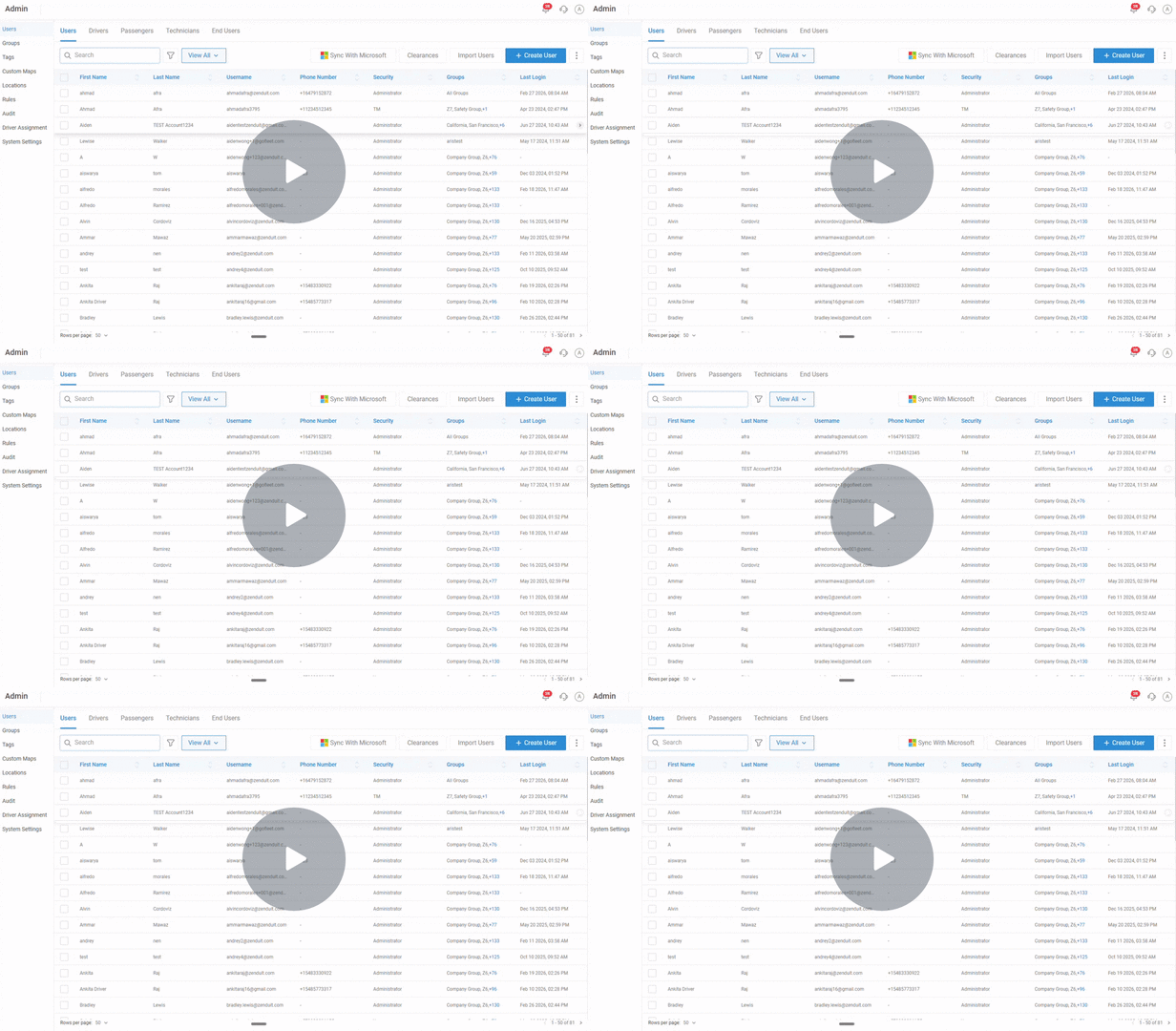
You can now import hundreds of users at the same time using a simple template. This update also lets you bulk-edit settings like time zones or security levels in seconds.
Key Updates
- Onboard hundreds of users at once using a downloadable import template
- Perform bulk edits on time zones and security levels for specific groups
- Align user data fields easily during the import preview and mapping stage
Why It Matters
- Minimizes the human errors common with manual one-by-one user setup
- Allows administrators to manage large workforce changes in minutes rather than hours
Watch Demo →
Instant Alerts for Offline Devices
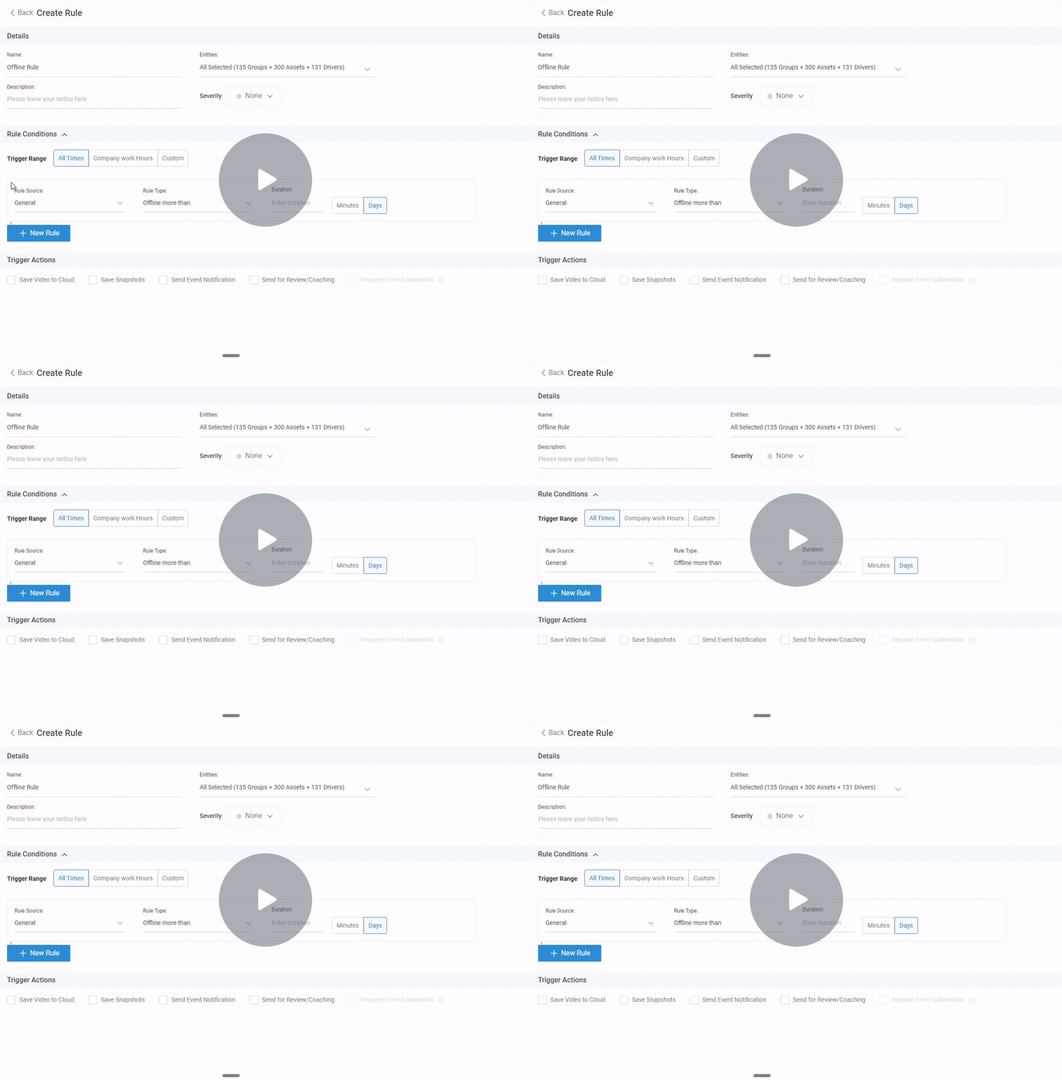
We’ve added a new Offline Device Rule so you get a notification the moment a device stops communicating. You can set the alert to trigger after a few minutes or a few days.
Key Updates
- Configure new Offline Device Rules under the General Rules section
- Set custom offline duration alerts in days or minutes for specific devices
- Receive proactive notifications via email or push when a device goes dark
Why It Matters
- Ensures teams are immediately notified of power or connectivity failures
- Maintains smooth operations by preventing small hardware issues from escalating
Watch Demo →
See How AI Triggered a Safety Alert
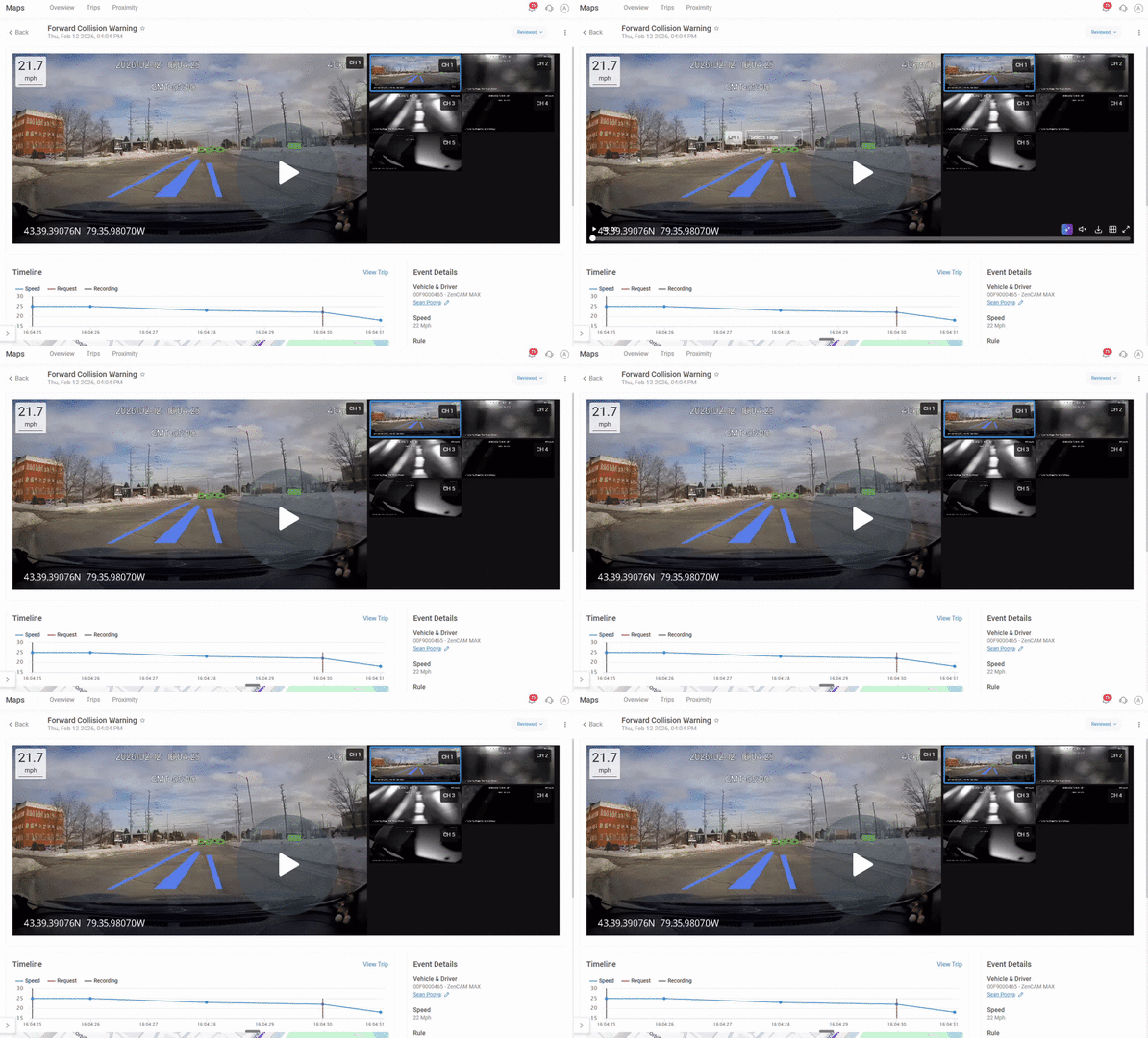
Camera videos now feature AI Overlays, visual text on the screen that explains exactly why an alert happened, such as the driver being distracted or a potential collision.
Key Updates
- View real-time trigger logic such as collision warnings or yawning detection
- Support both road-facing and driver-facing camera footage overlays
- Toggle the overlay view on or off depending on the needs of the review
Why It Matters
- Builds driver trust by showing exactly how AI safety decisions are made
- Supports better coaching by providing visual evidence of detected risks
Watch Demo →
Request Longer, Single-Clip Videos
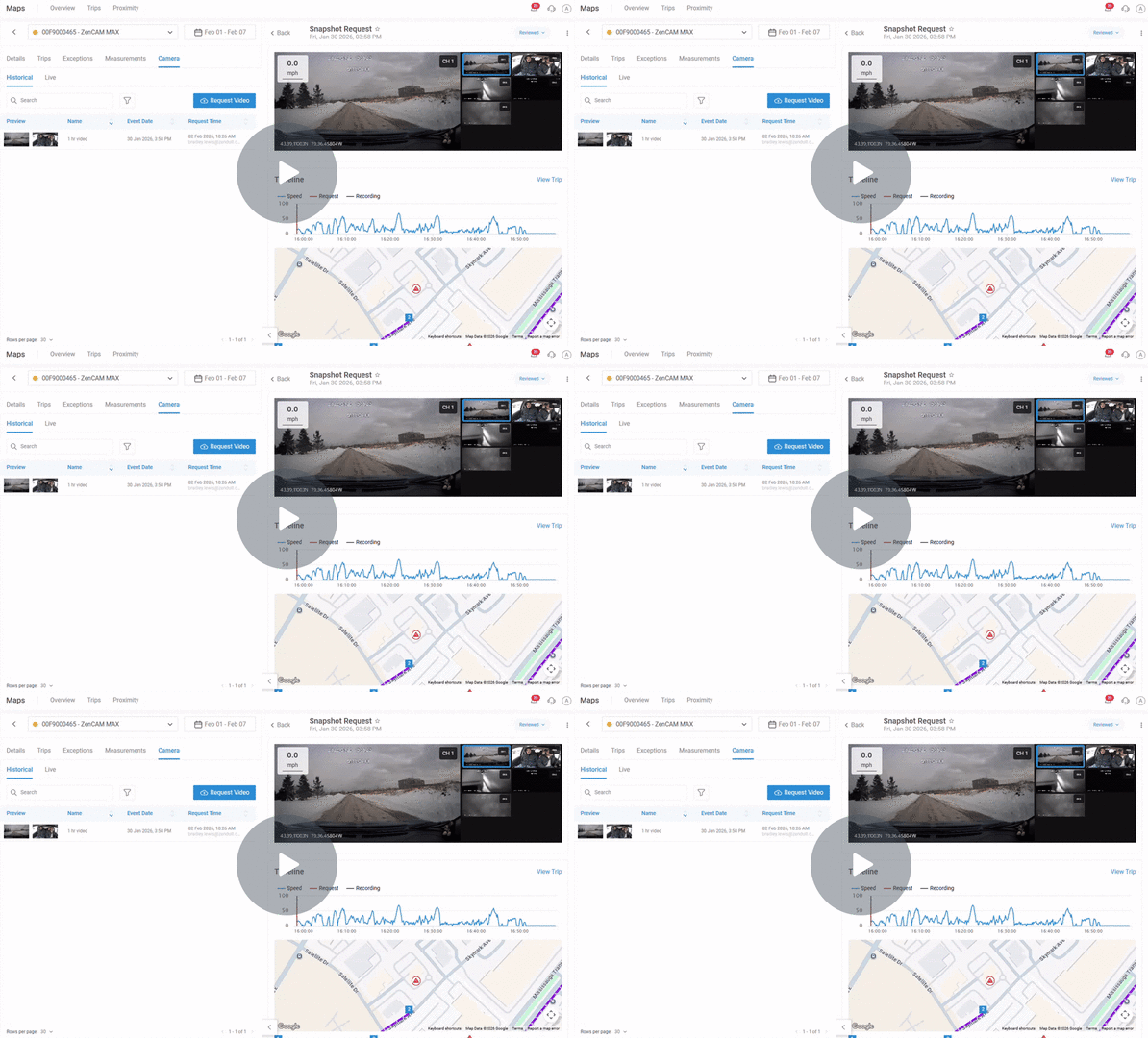
You can now request continuous video clips up to 8 minutes long. We’ve also upgraded Hyperlapse so you can scan through an hour of footage in just a few seconds.
Key Updates
- Receive continuous clips up to 8 minutes rather than disjointed shorter segments
- Use second-level precision for more accurate and granular video requests
- Access upgraded Hyperlapse features to review one-hour events in seconds
Why It Matters
- Maintains full context during investigations to reduce confusion and errors
- Saves administrative time by allowing teams to scan long timeframes quickly
Watch Demo →
Rewind Live Video Up to 3 Hours
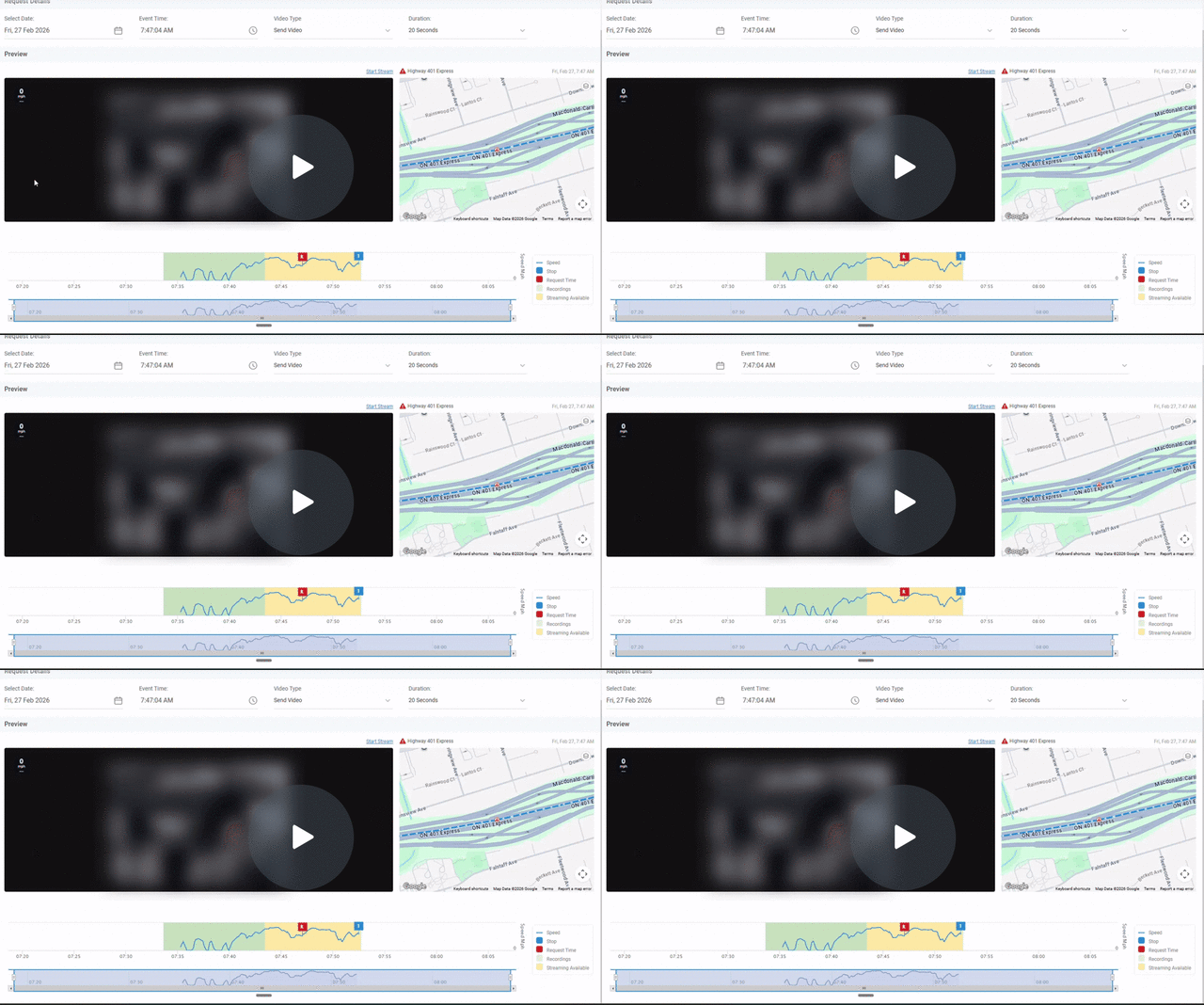
Historical Streaming lets you jump back in time to see what happened recently, even if the video hasn’t finished saving to the cloud yet.
Key Updates
- Stream video backward for up to three hours from the current time
- Access footage even if some intervals are not yet fully processed or available
- Identify fully available recordings via green shaded areas on the timeline
Why It Matters
- Reduces investigation delays by providing immediate access to recent incidents
- Improves operational speed by allowing safety teams to act on video without delay
Watch Demo →
About ZenduONE
We develop intelligent fleet and field service solutions by leveraging our expertise in IoT software development, fleet management, and consulting to help our clients see measurable results. We focus on improving efficiency, profitability, and overall success through the use of customizable telematics technology.
To learn more about ZenduiT’s products or offerings, please visit: www.zenduit.com or call +1.855.936.3848


